DineOSOne app to run your restaurant.

White-label restaurant software. Customers order online for delivery or pickup, pay, and track in your app. You run the kitchen, menu, and branches — your brand, not a marketplace.

Login & signupDelivery or pickupStripe payments

DineOS

White-label

🔐Login & create account
🛵Delivery or skip-the-line pickup
💳Card & cash checkout
📍Multi-branch admin
Customer app

Order online — delivery or skip the line

Create an account with email, Google, or Apple — or continue as guest. Get it delivered to a pin, or pick it up at the branch. Catalog, payments, and order history, white-labeled as yours.

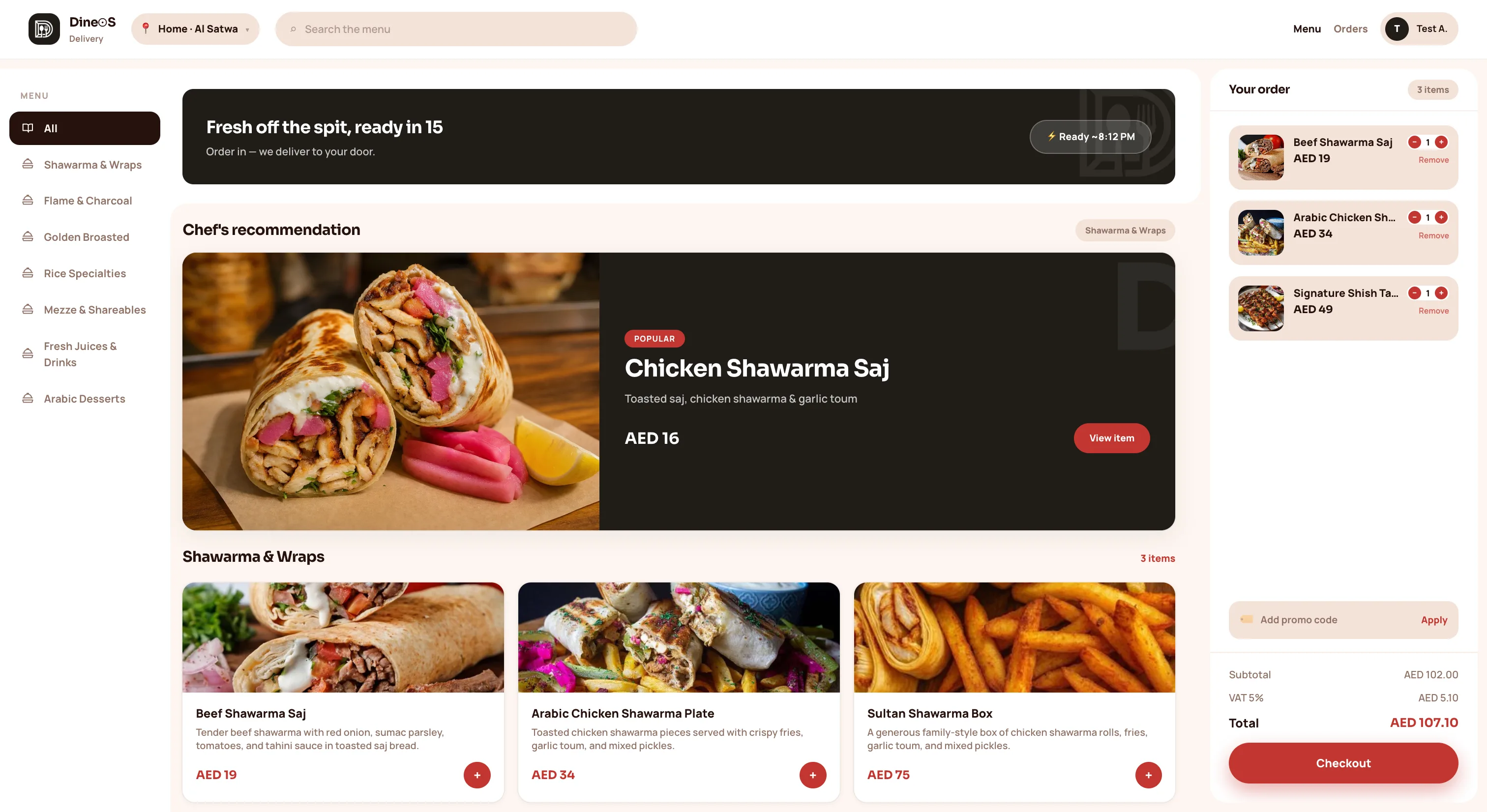
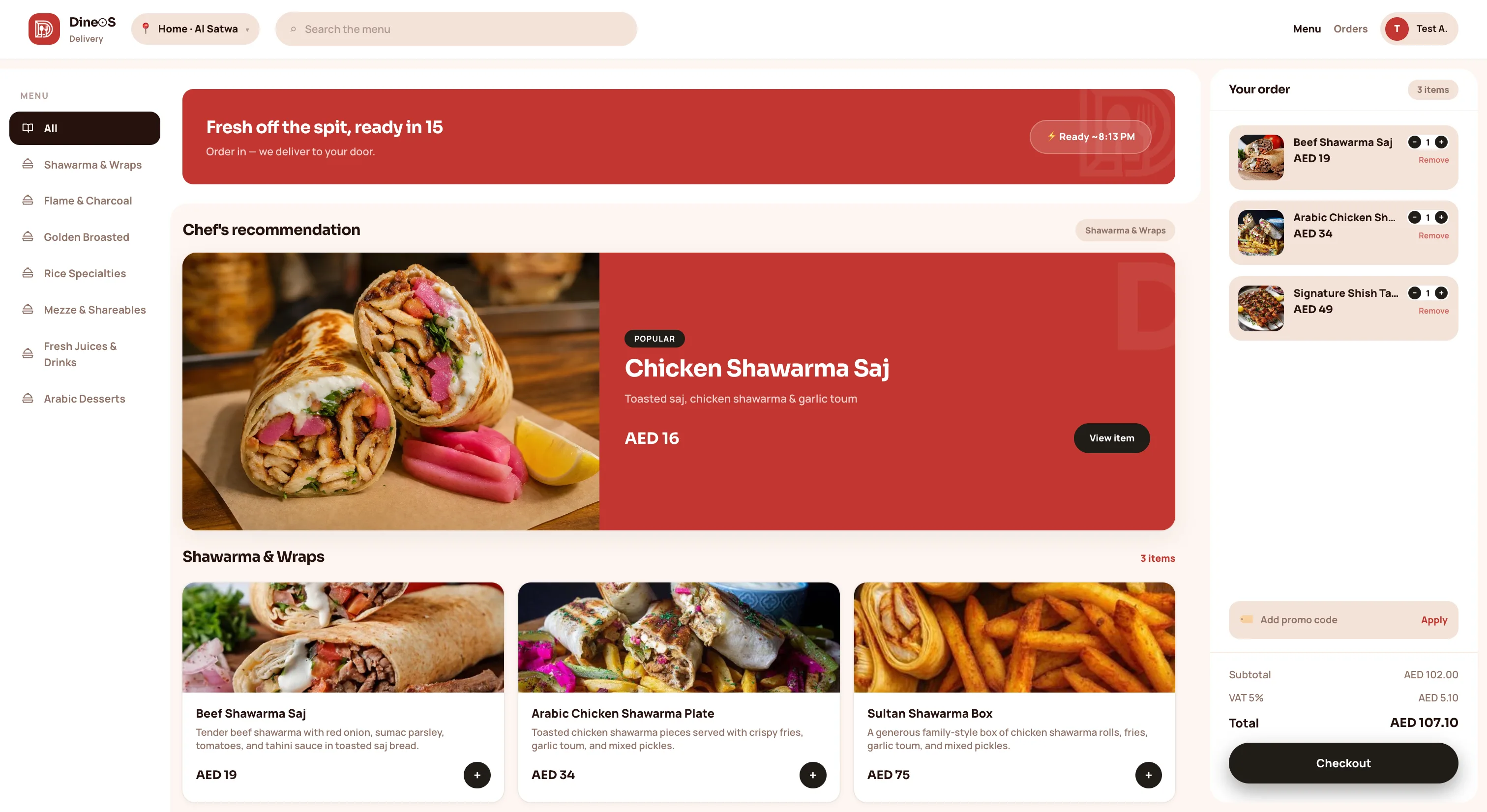
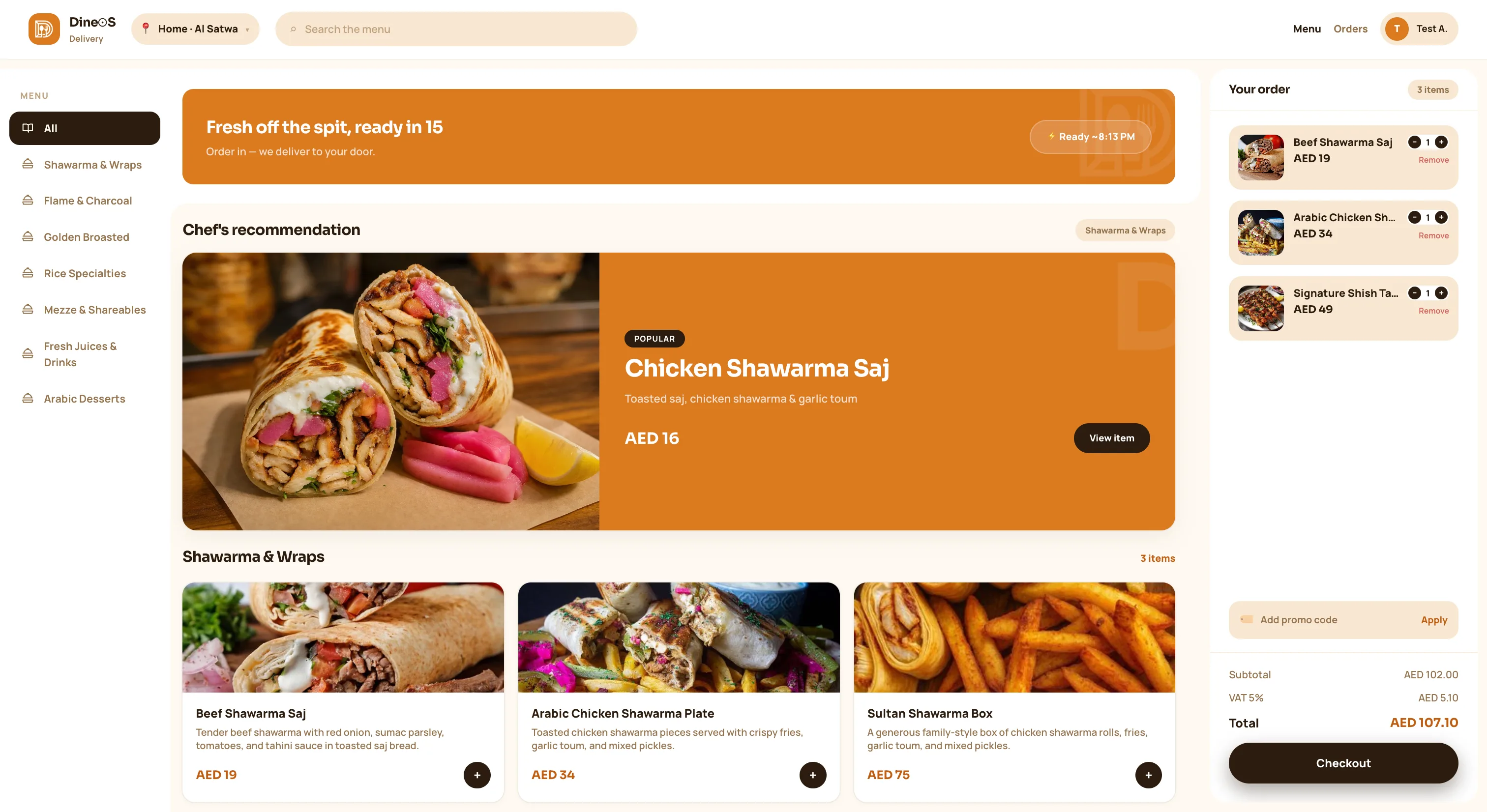
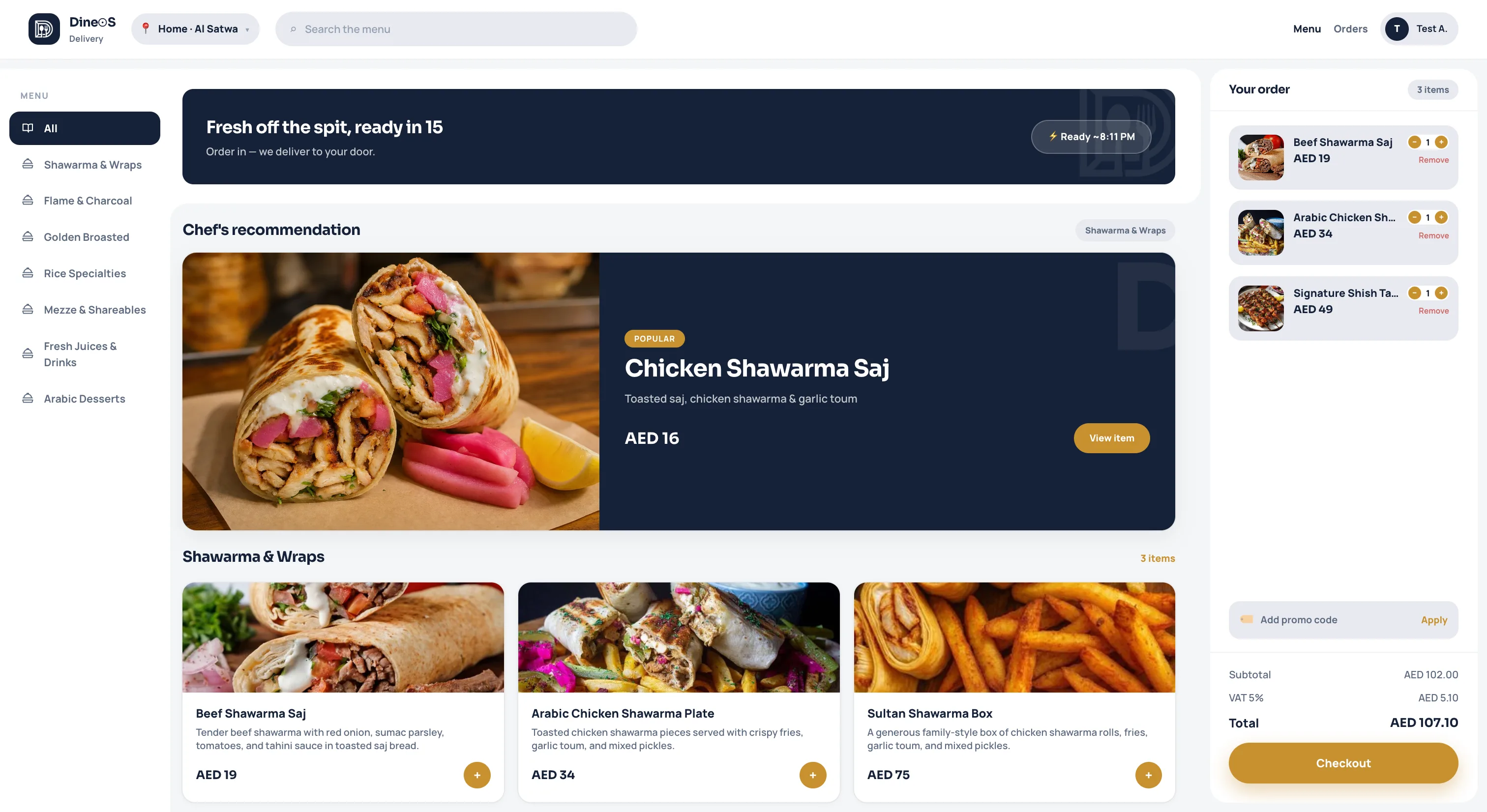
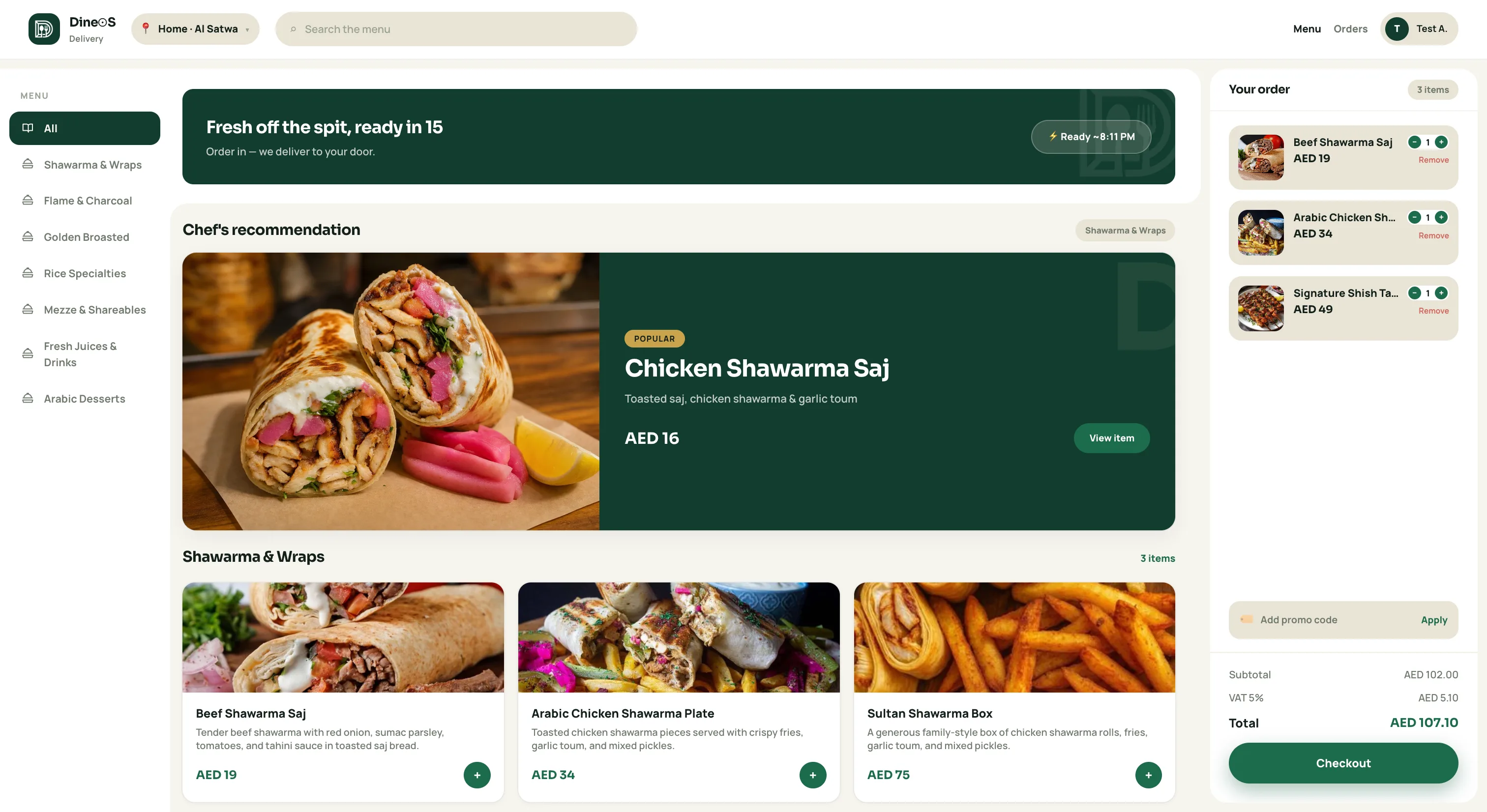
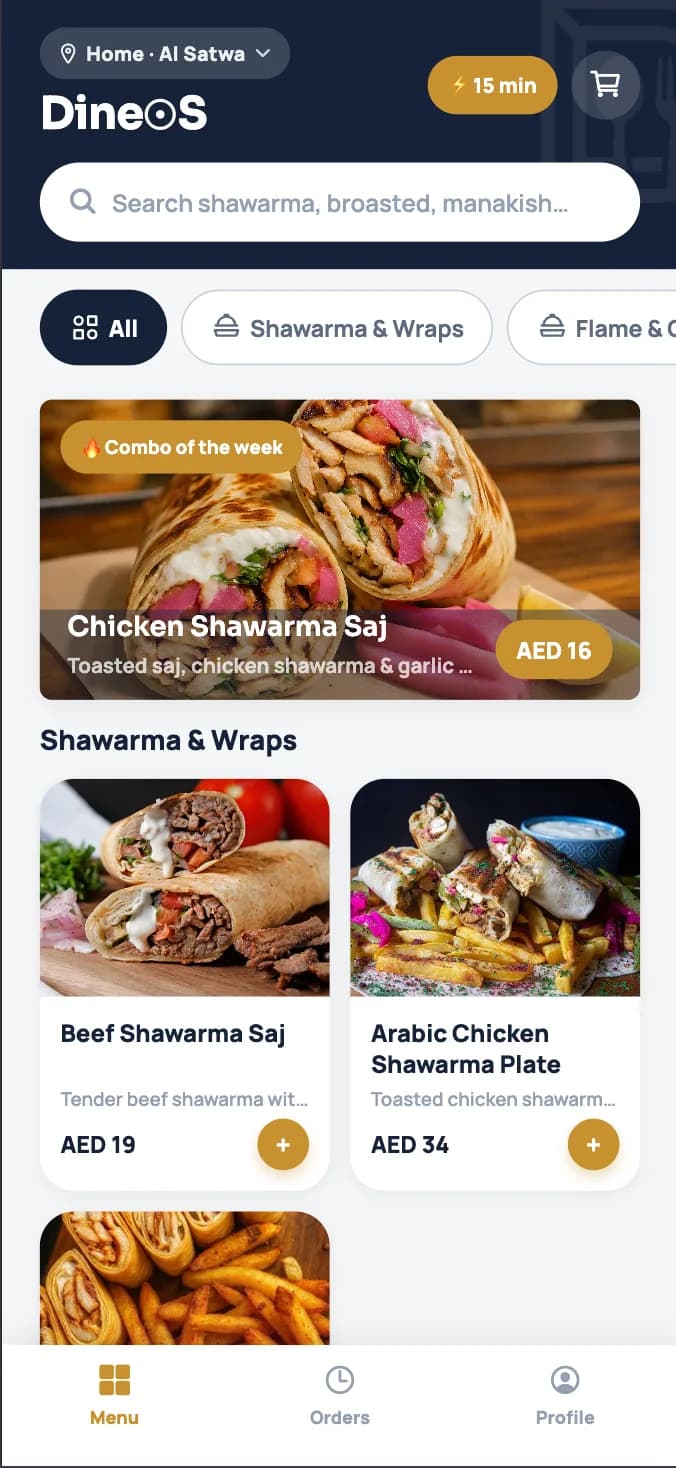
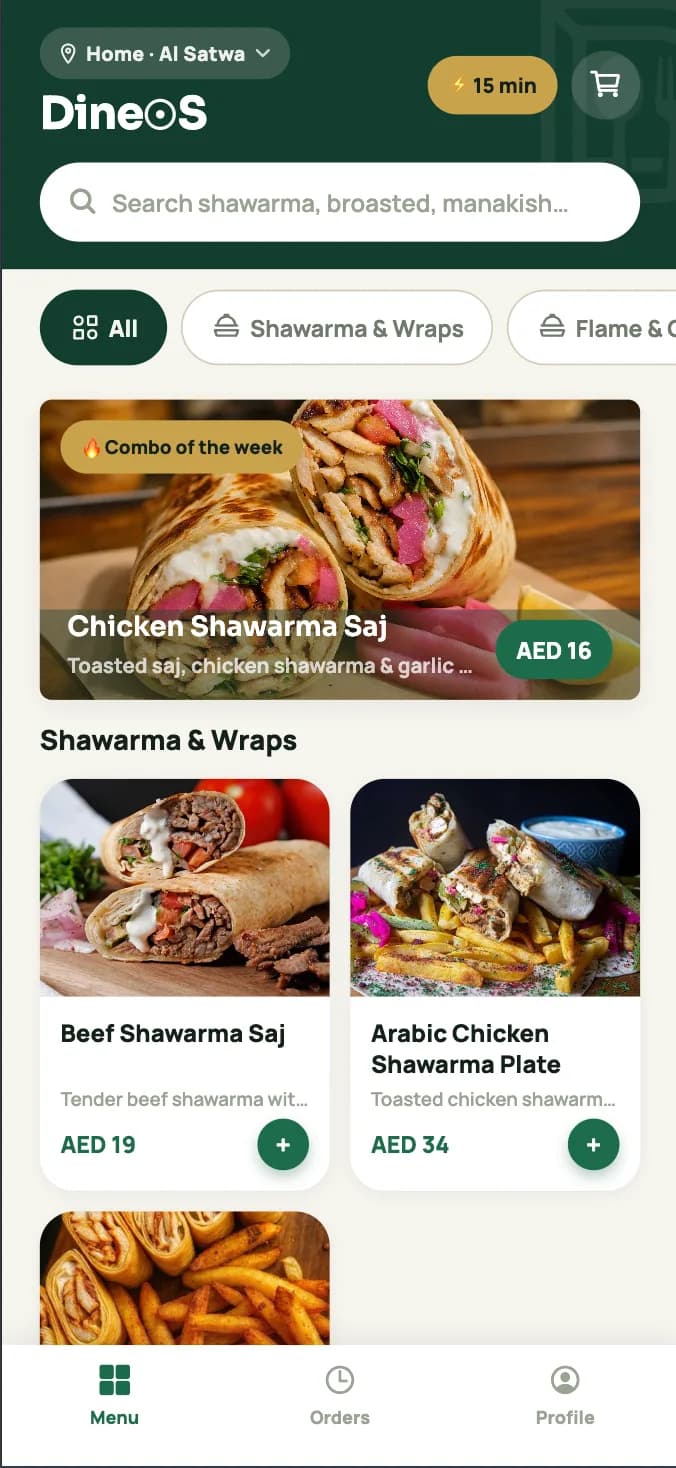
Customer menu with search, categories, and product photos
Menu & catalog
Welcome back — email sign-in, Google, Apple, create account, or continue as guest
Sign in & create account
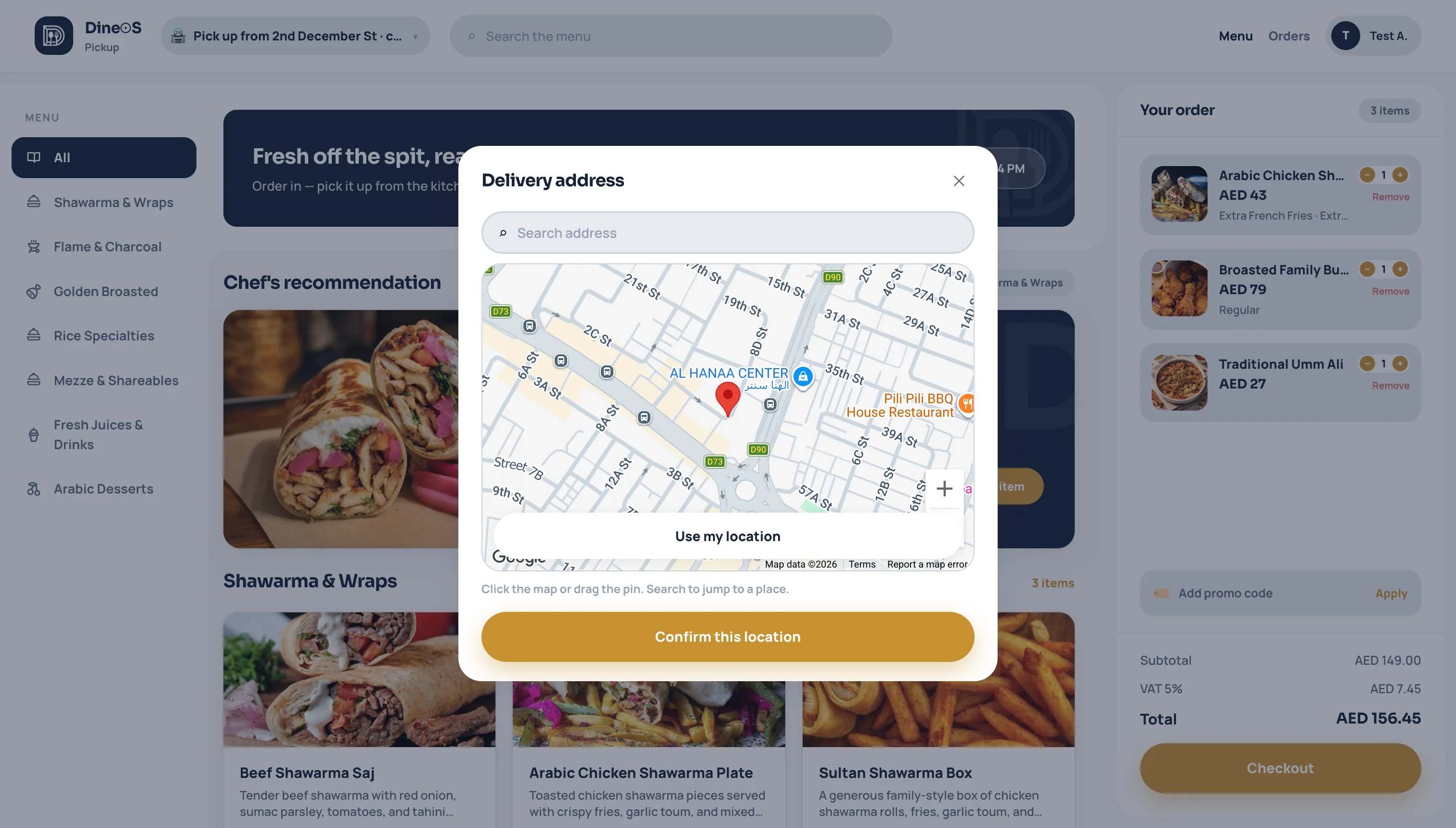
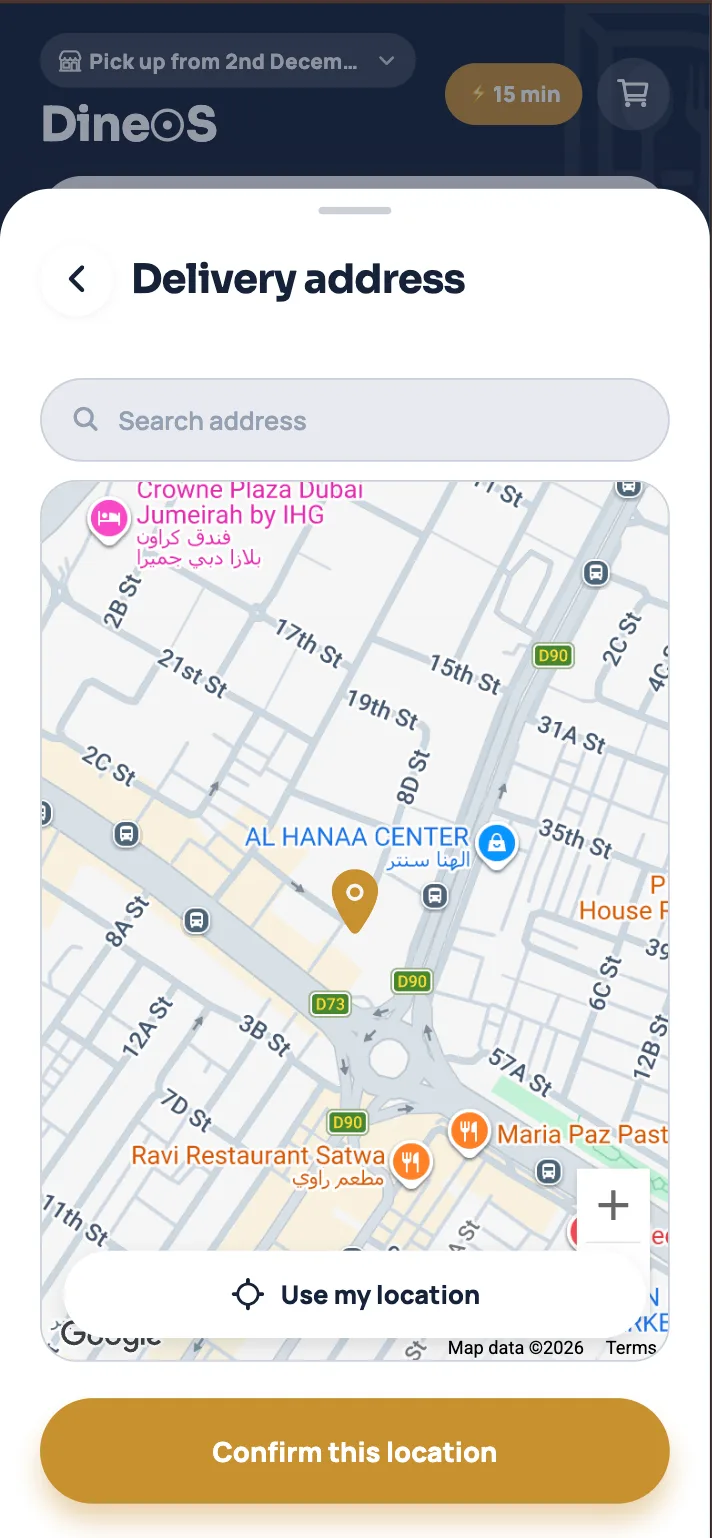
Delivery address picker with Google Maps pin and search
Delivery address
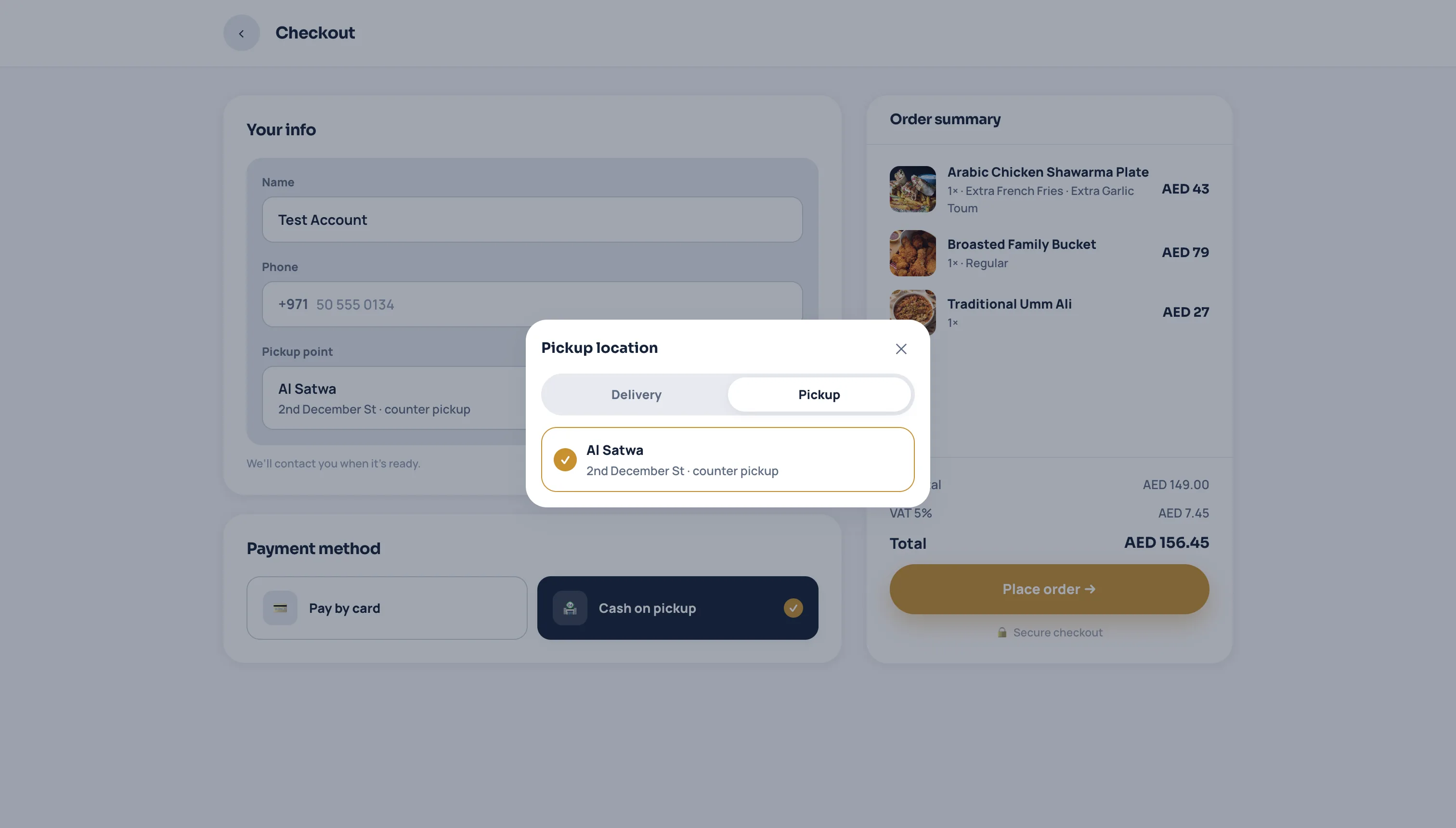
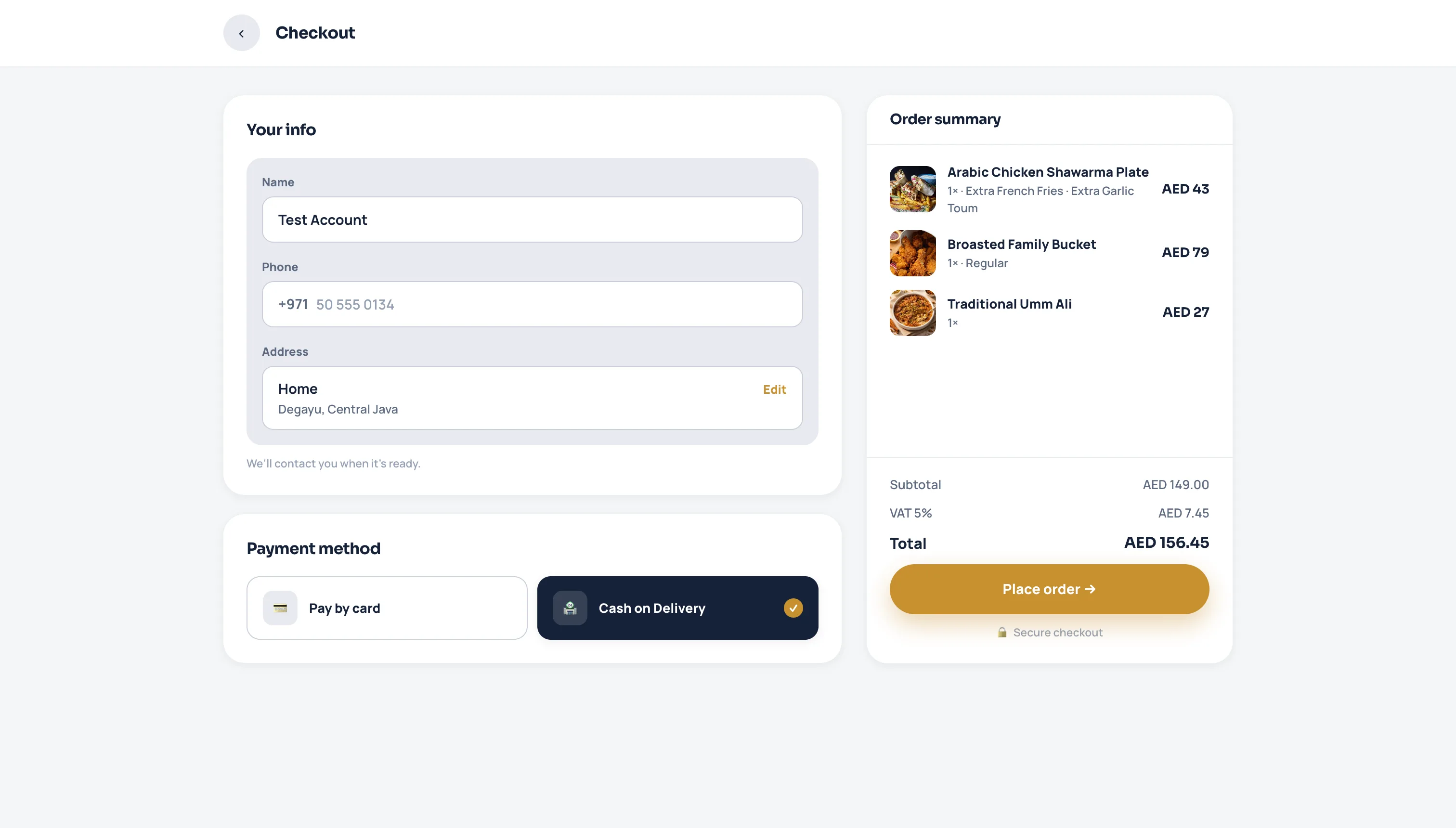
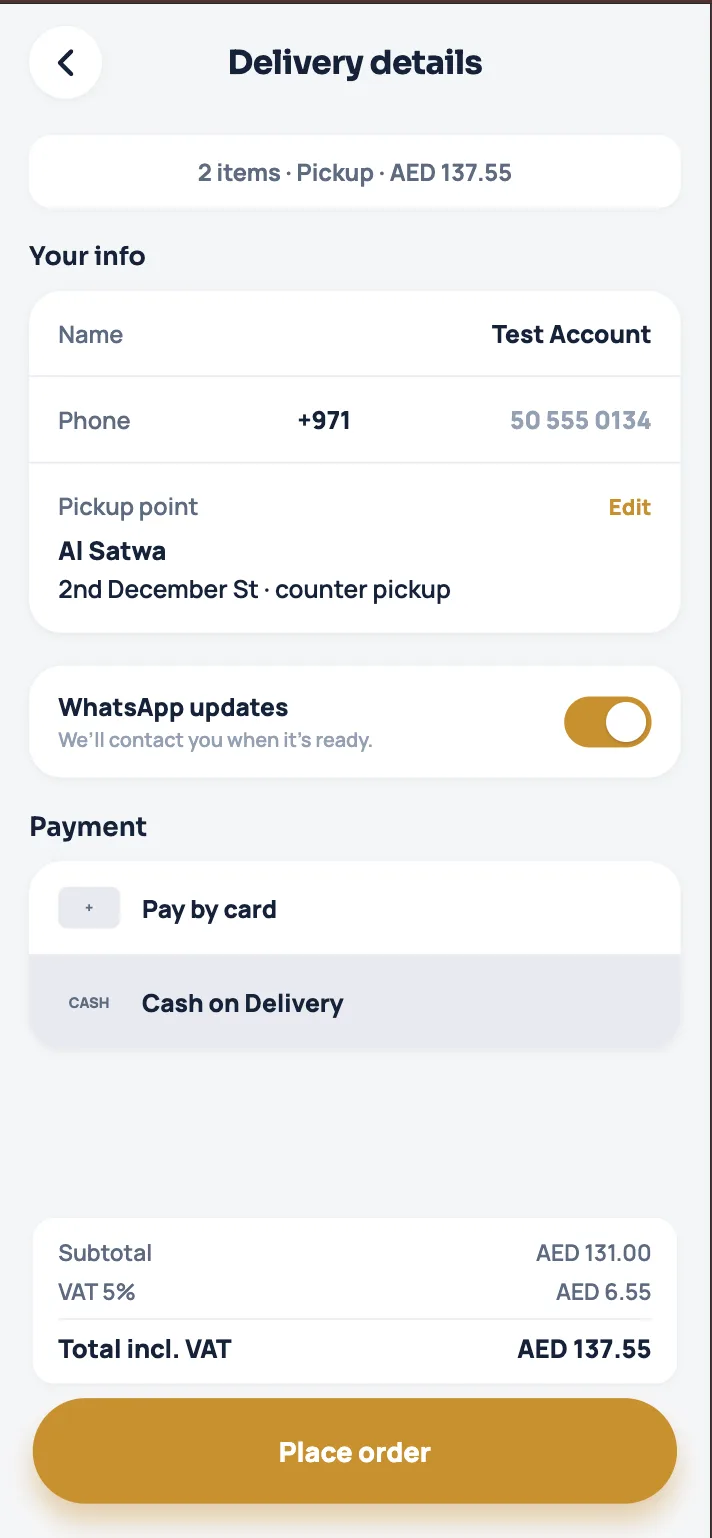
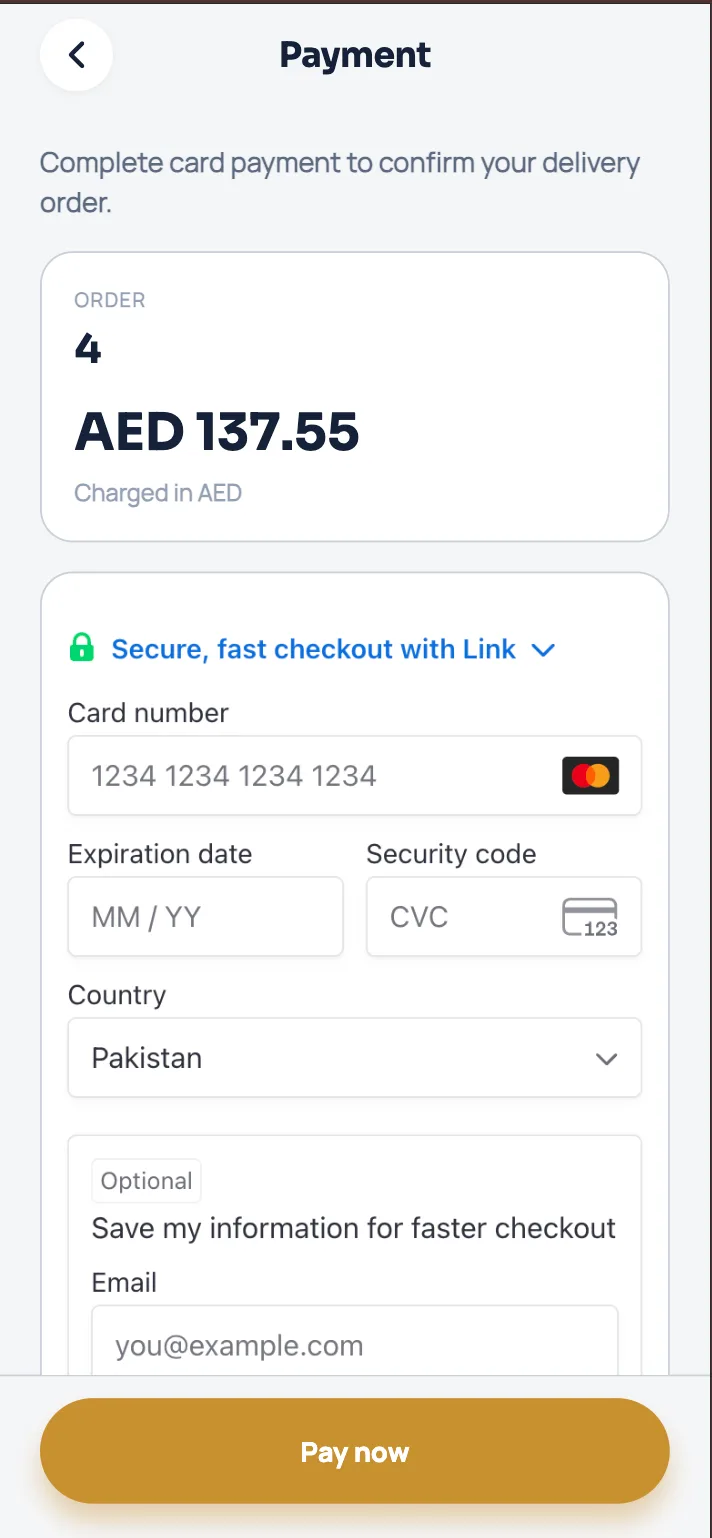
Stripe card checkout for a delivery or pickup order
Card payment
🍜

Browse & order

Full catalog with photos, categories, extras, and VAT-aware totals. Search, add to cart, checkout.

🛵

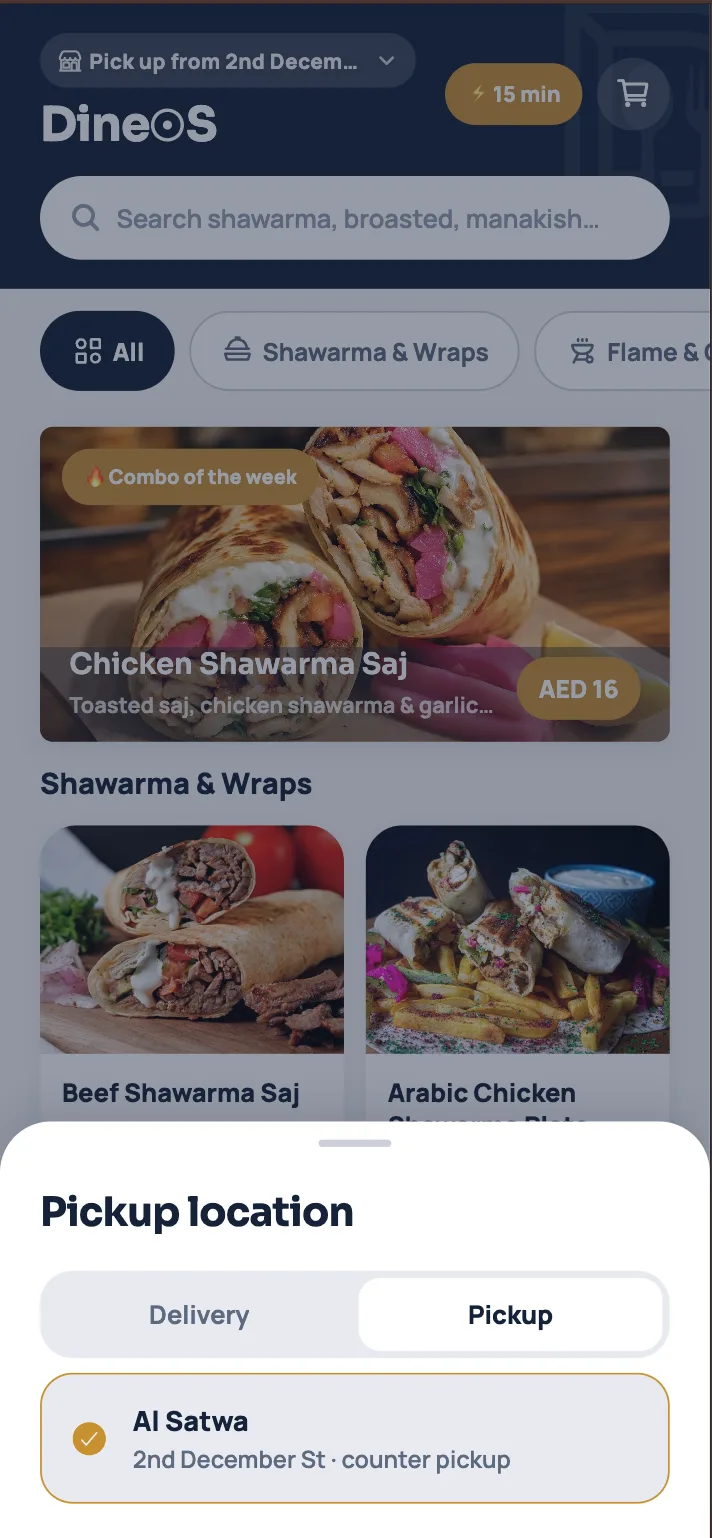
Delivery or pickup

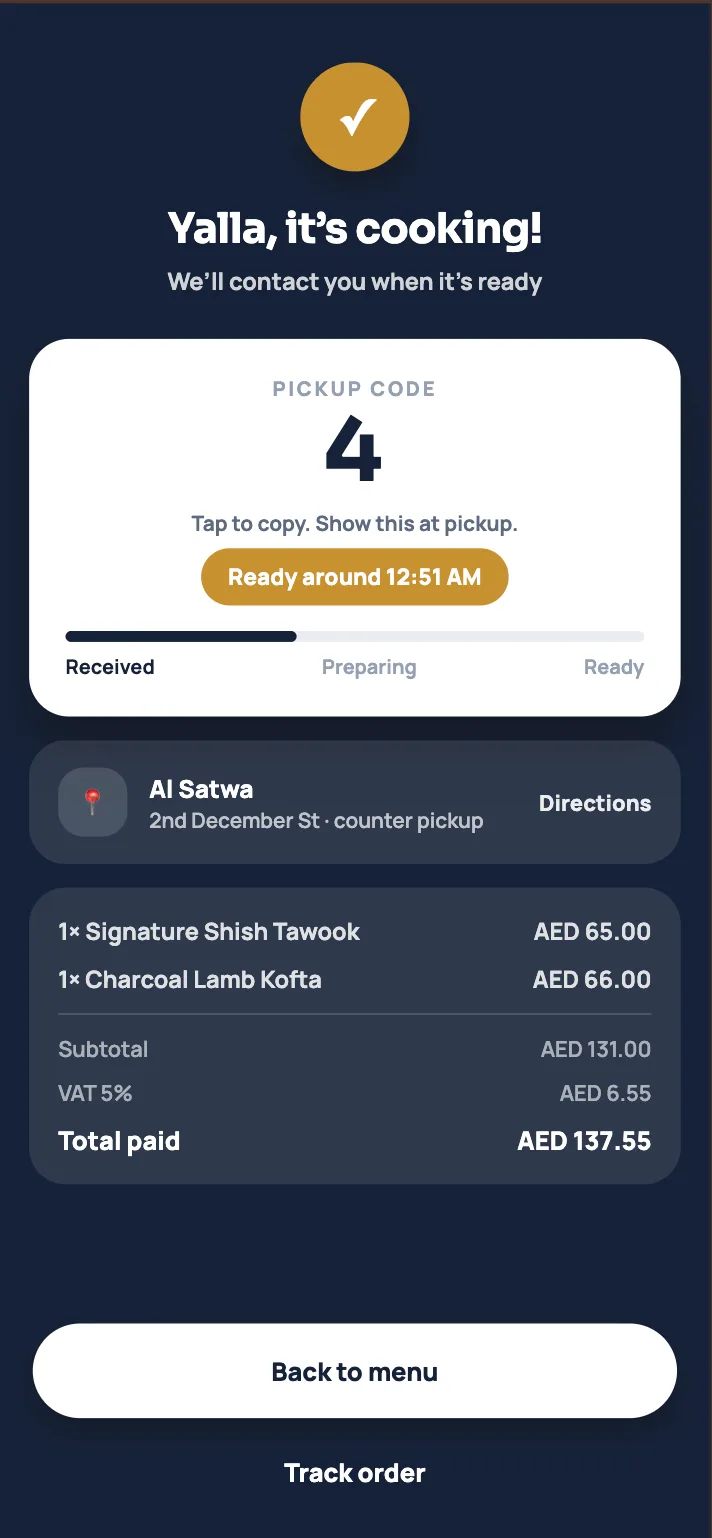
Order online and get it delivered to a pin, or skip the line and pick up at the branch. The kitchen sees the mode on every ticket.

💳

Stripe or cash

Pay by card at checkout, or choose cash — on delivery or at pickup. Payment status stays on the order.

📋

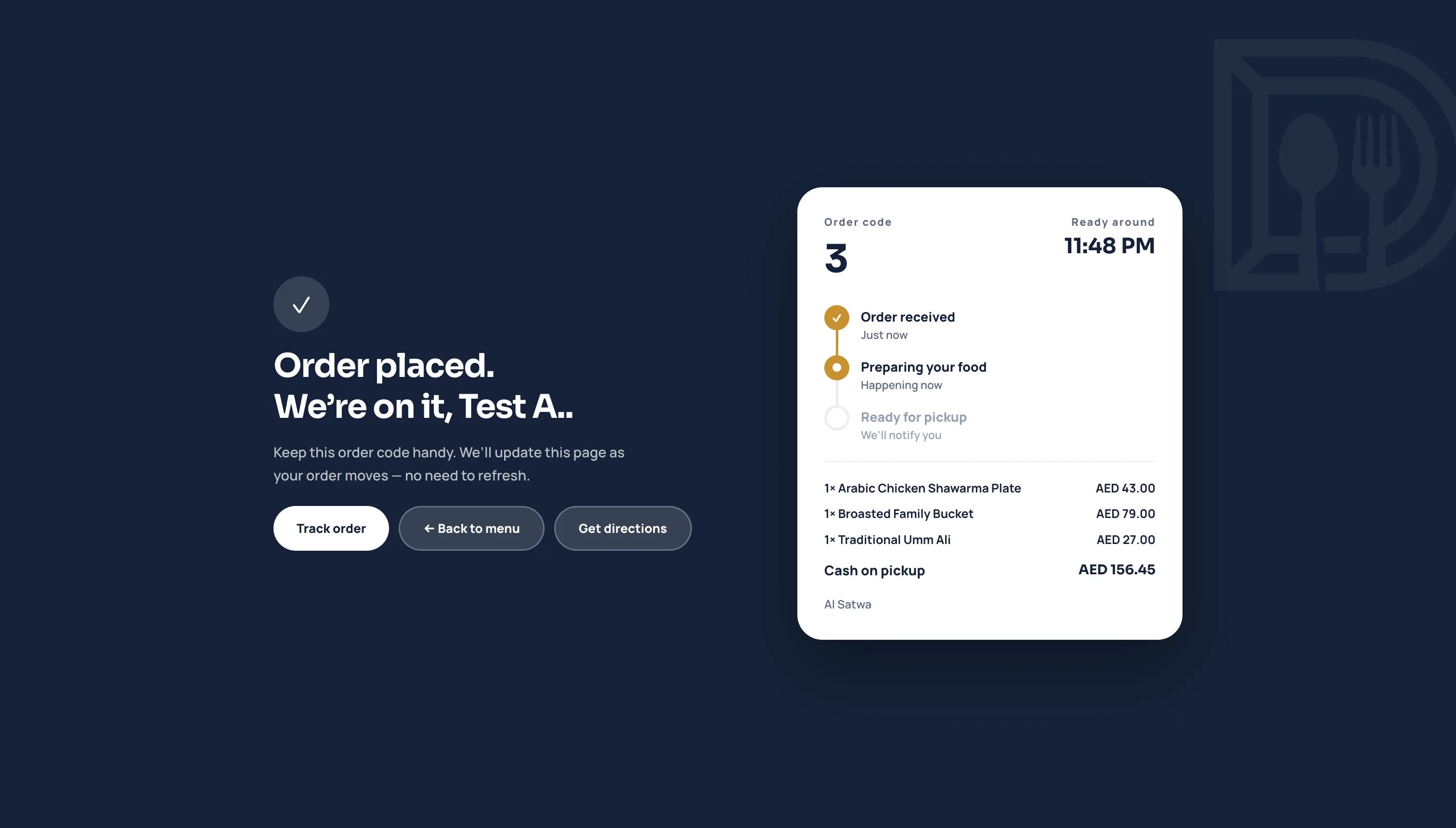
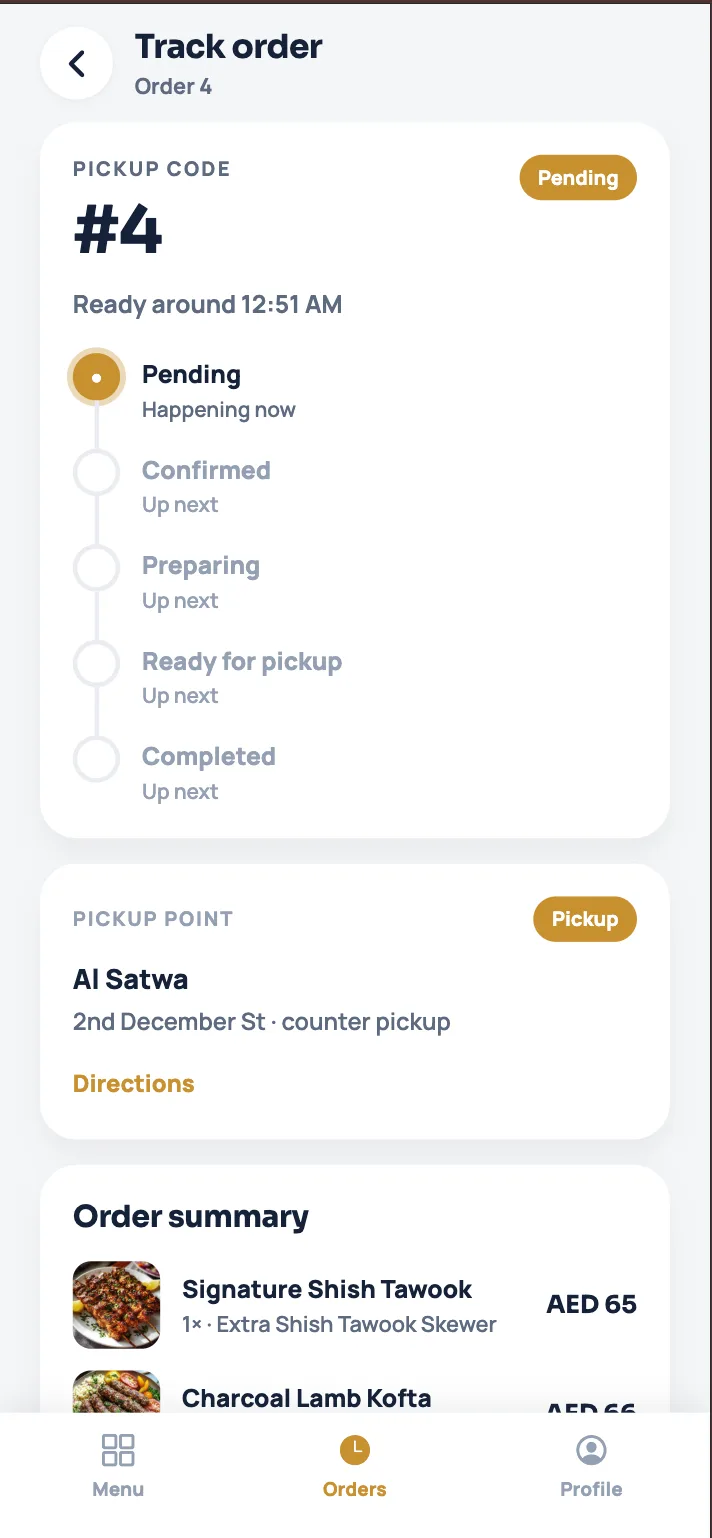
All orders in one place

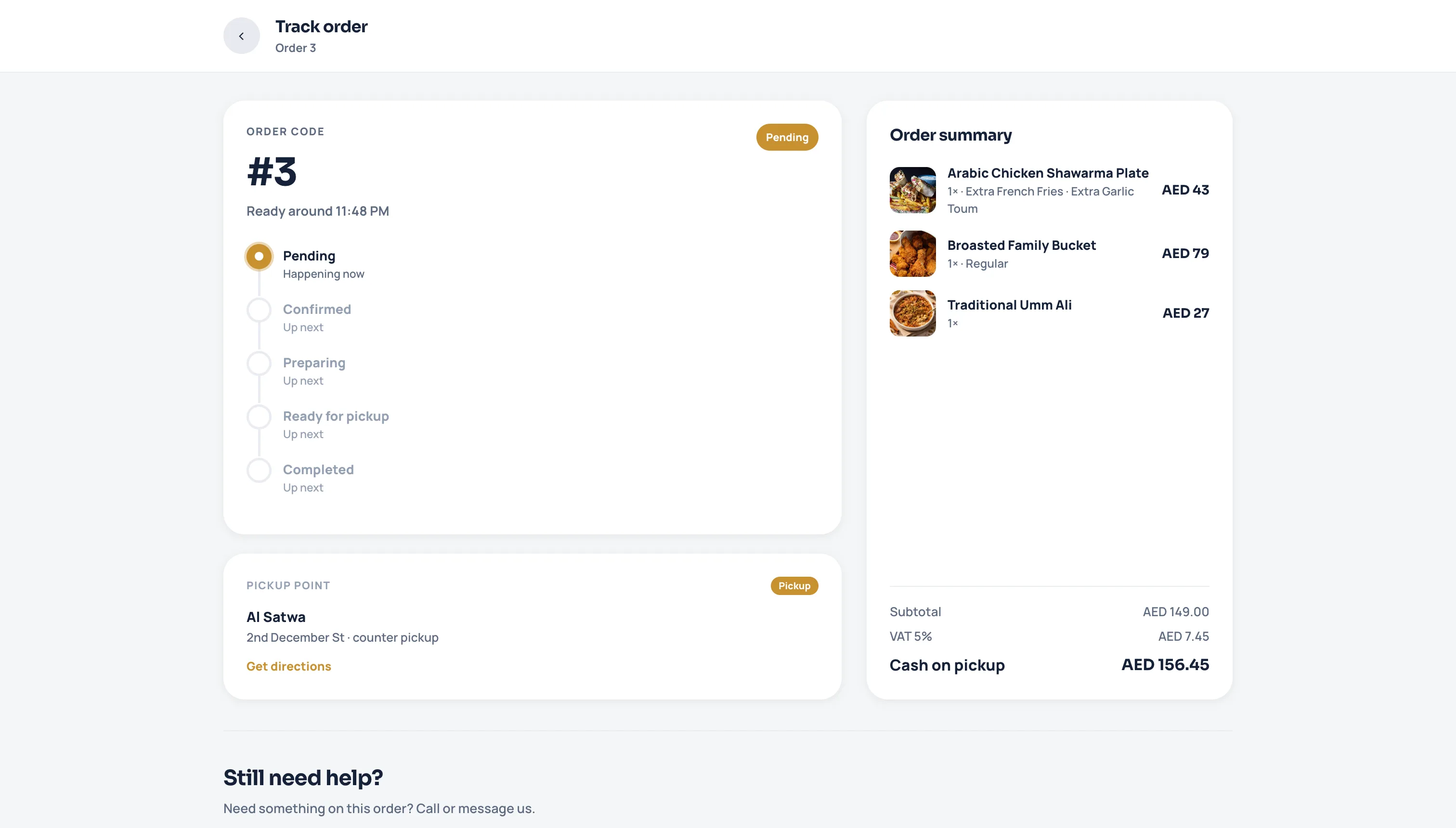
Current and past orders with kitchen status and ready time — reorder a favorite in one tap.

🔐

Login & create account

Email, Google, or Apple. Forgot password on the profile — or continue as guest.

🎨

Your brand

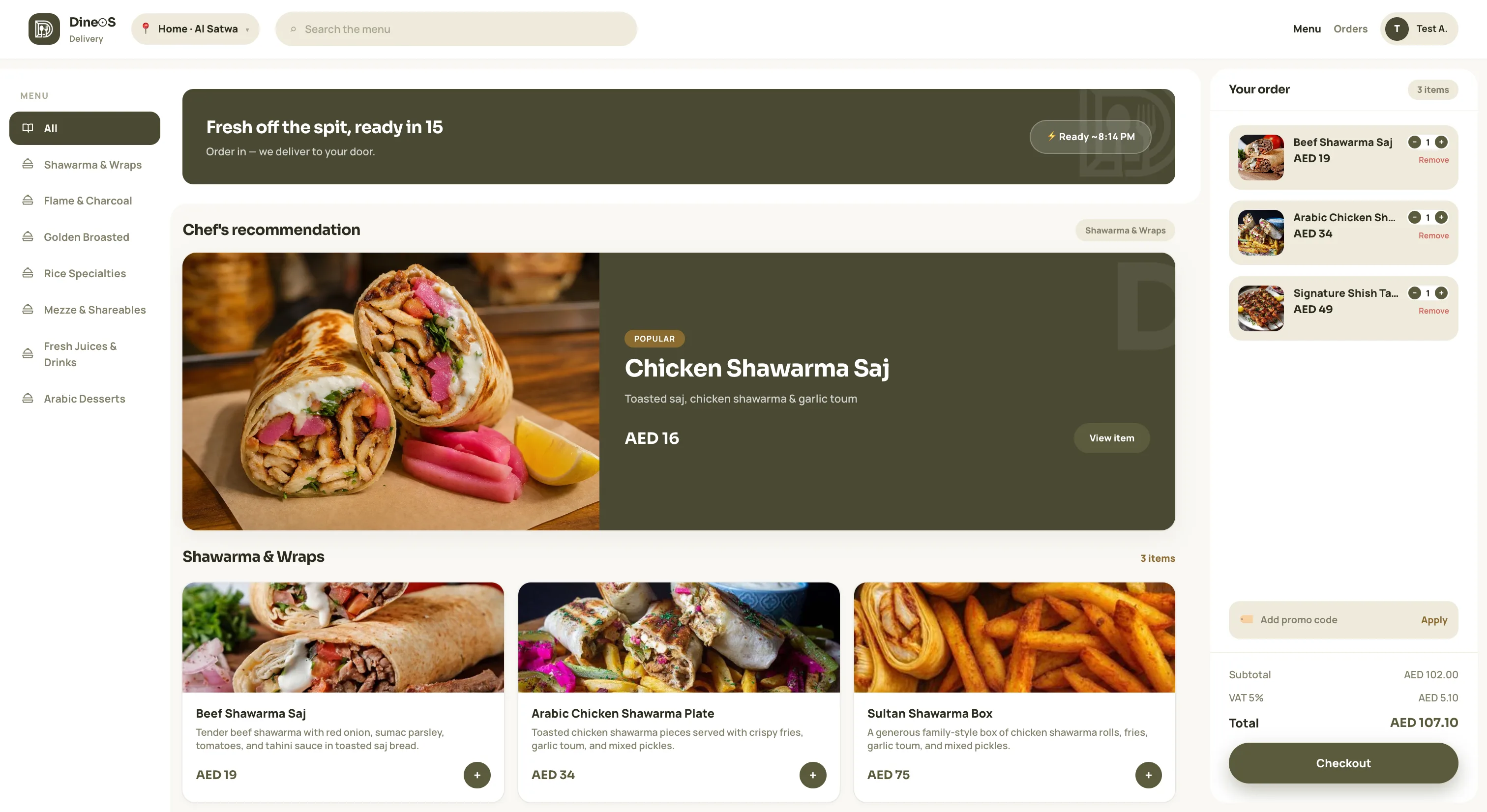
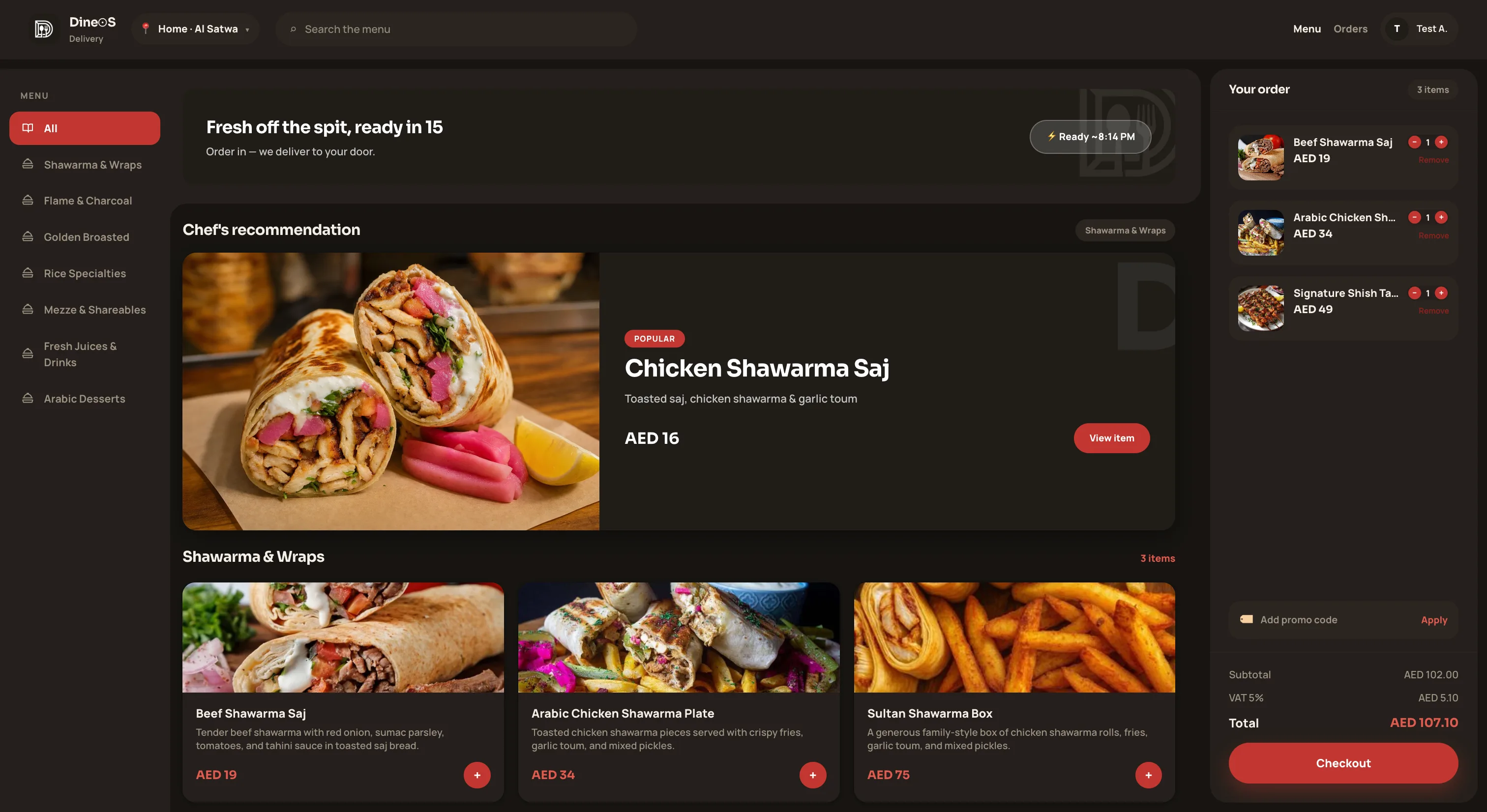
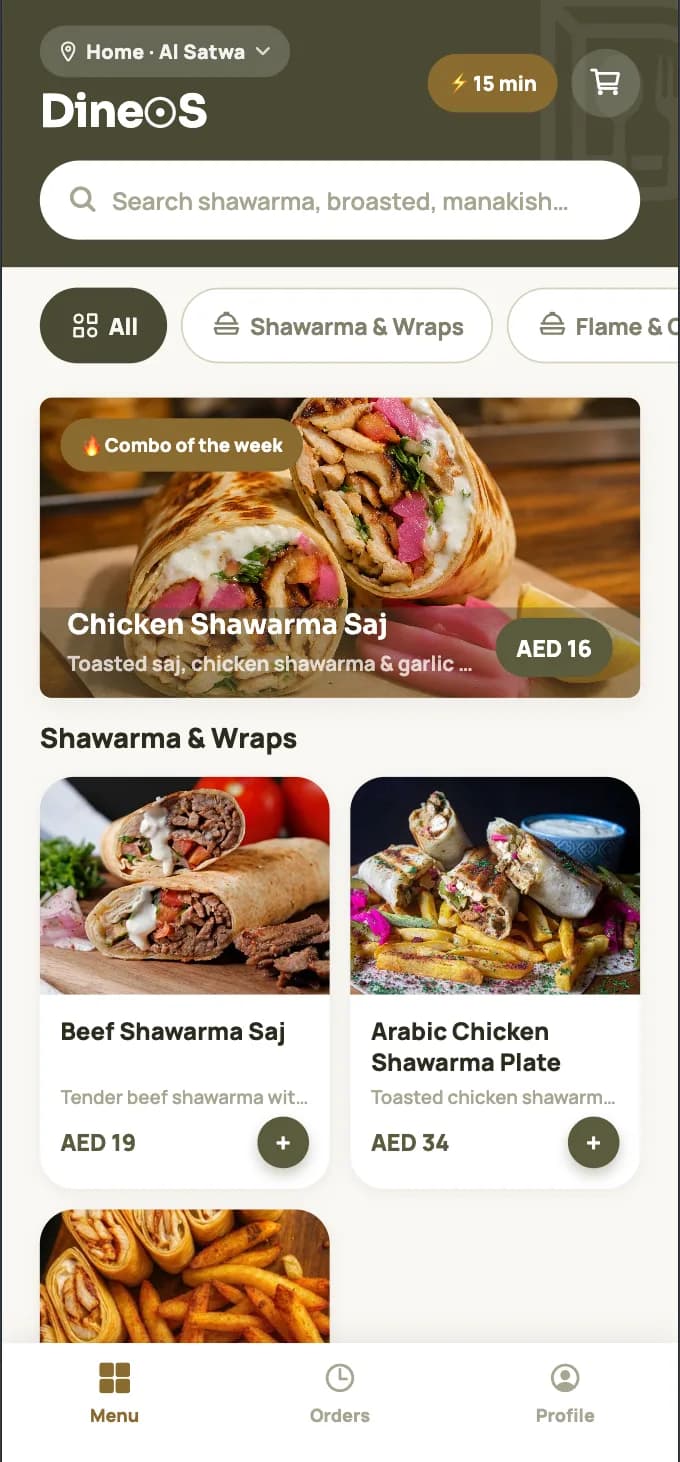
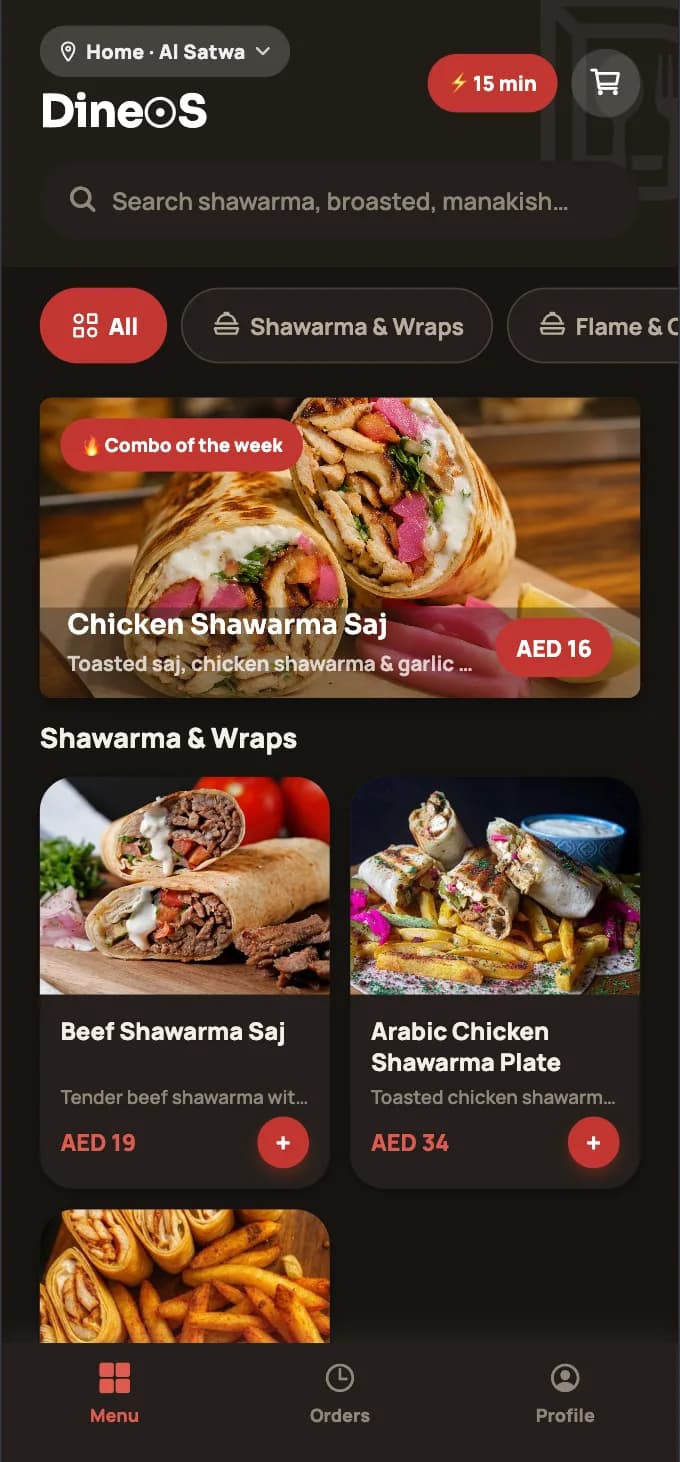
Fully white-label — name, logo, and a curated palette swapped in during setup.

Admin dashboard

Kitchen, menu, and branches
from one panel.

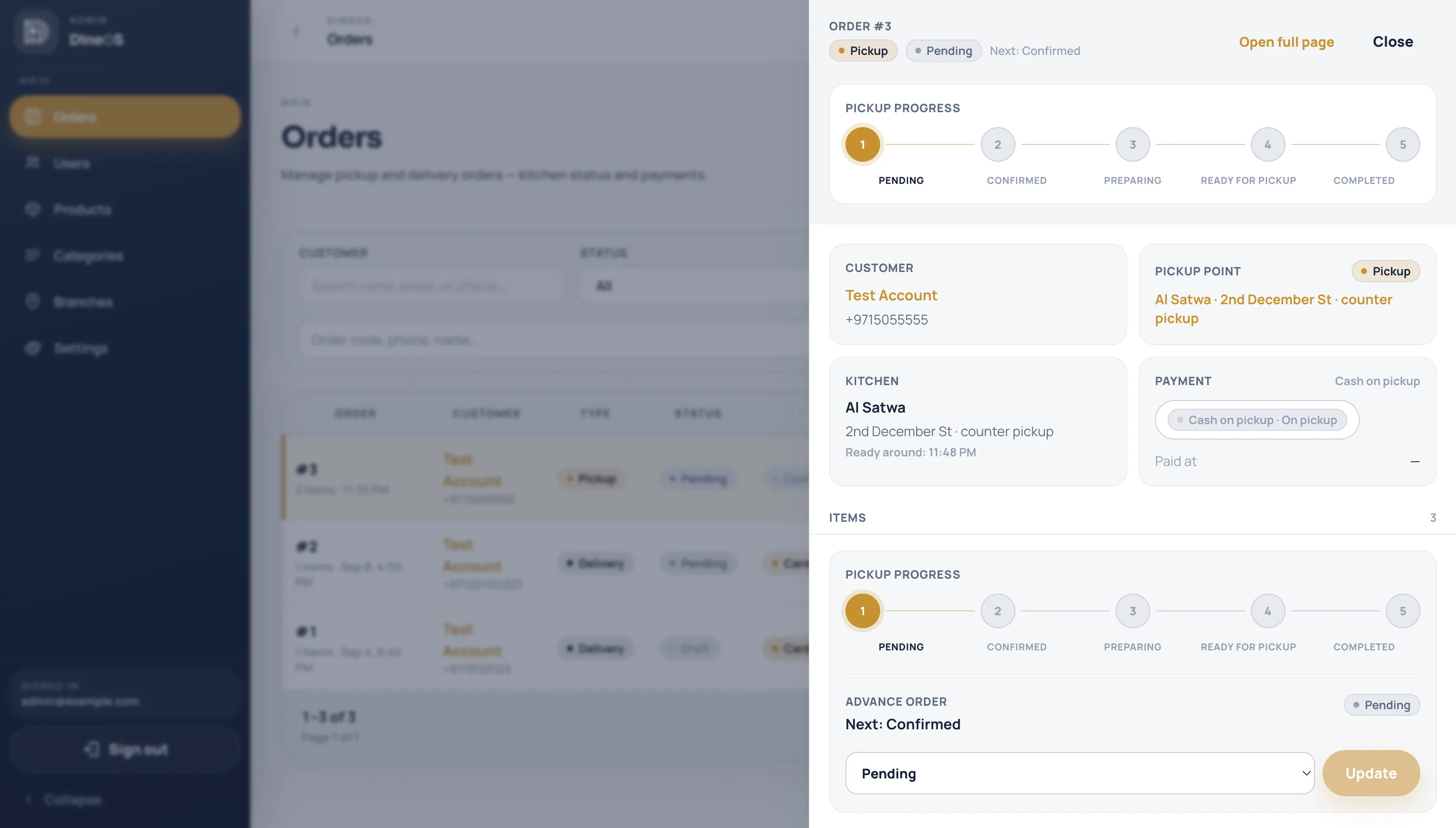
Live order queue with payments, product photos, multi-branch pins, and white-label store settings — the ops side of DineOS, not a thin CMS.

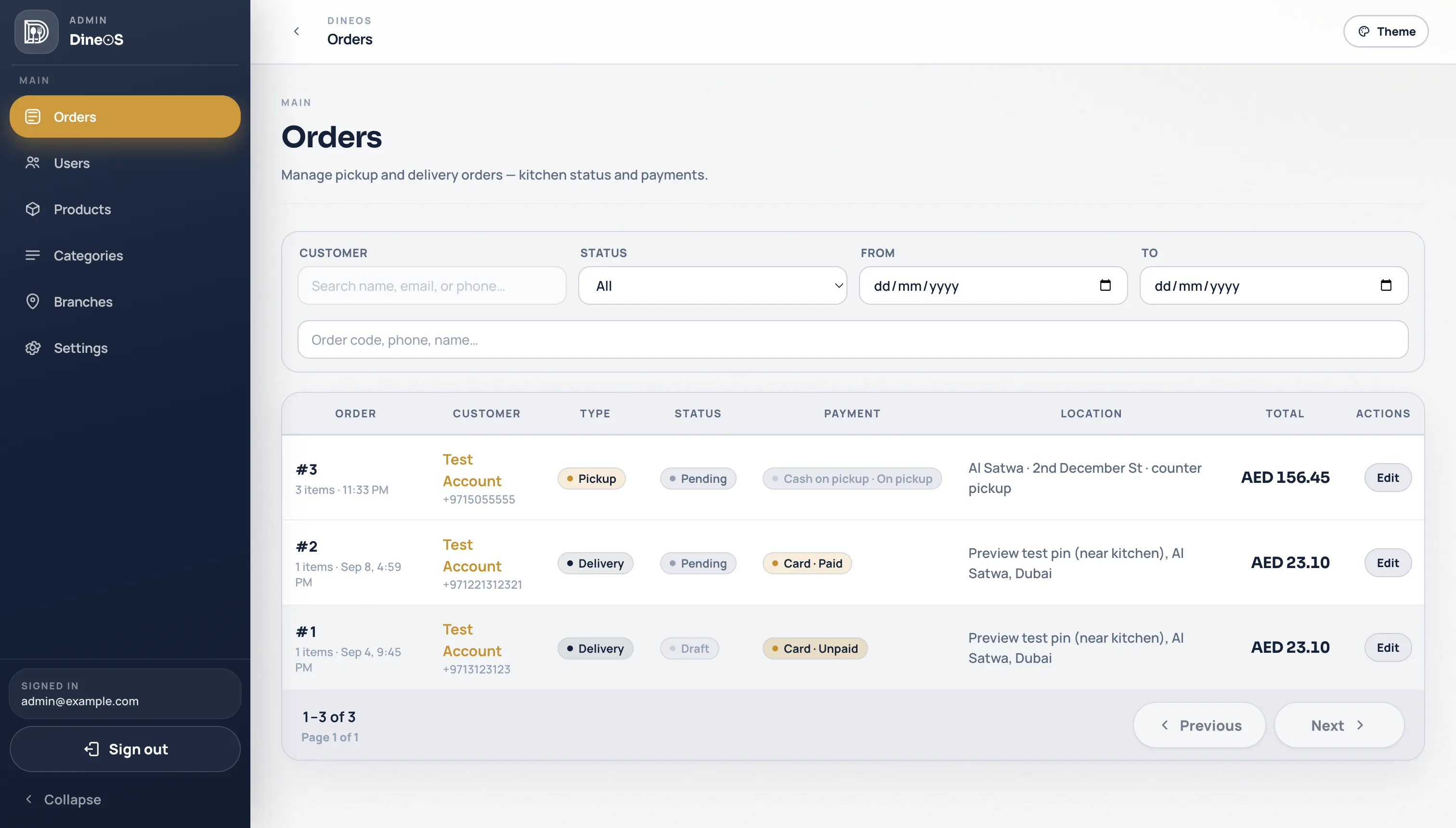
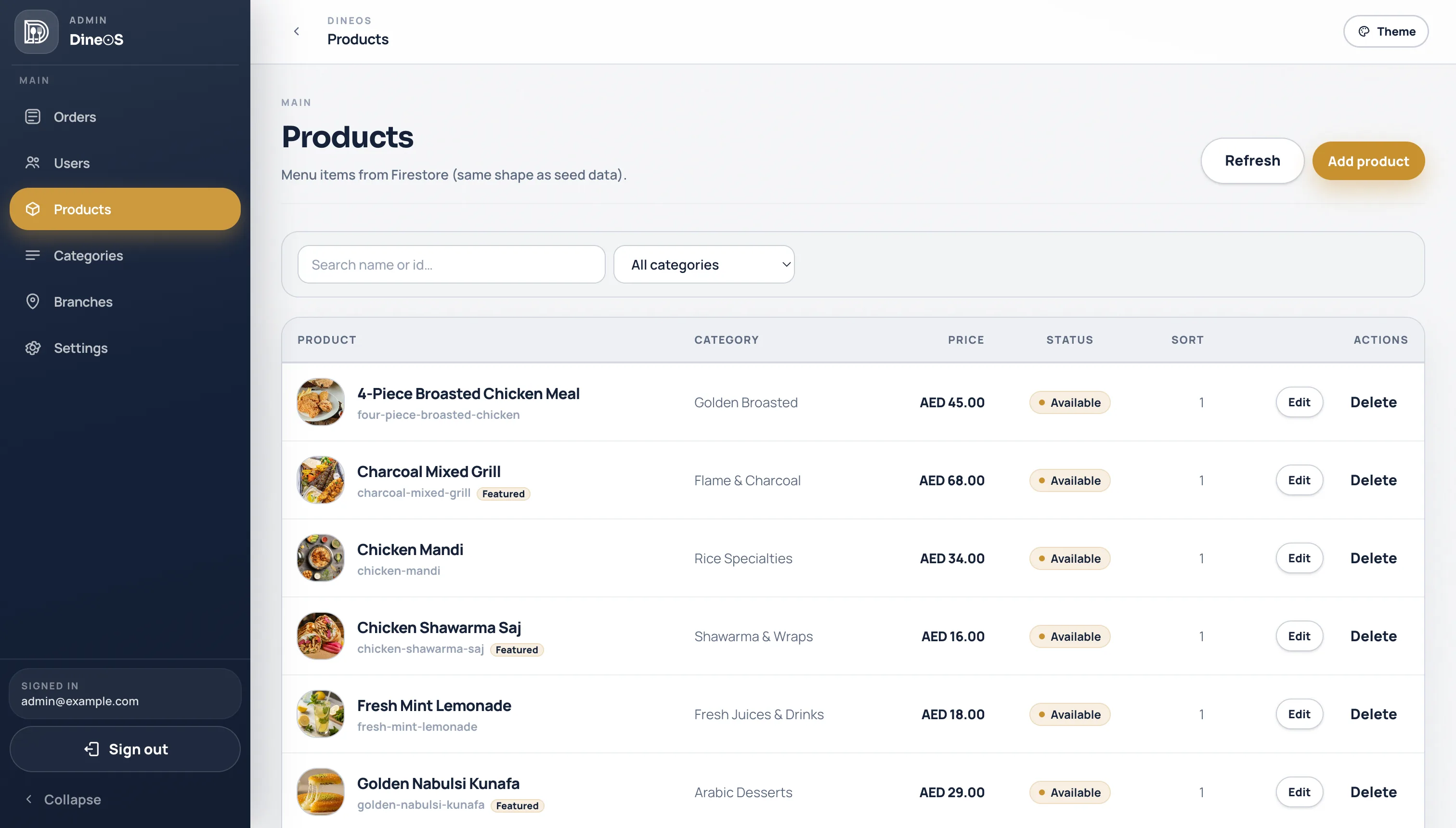
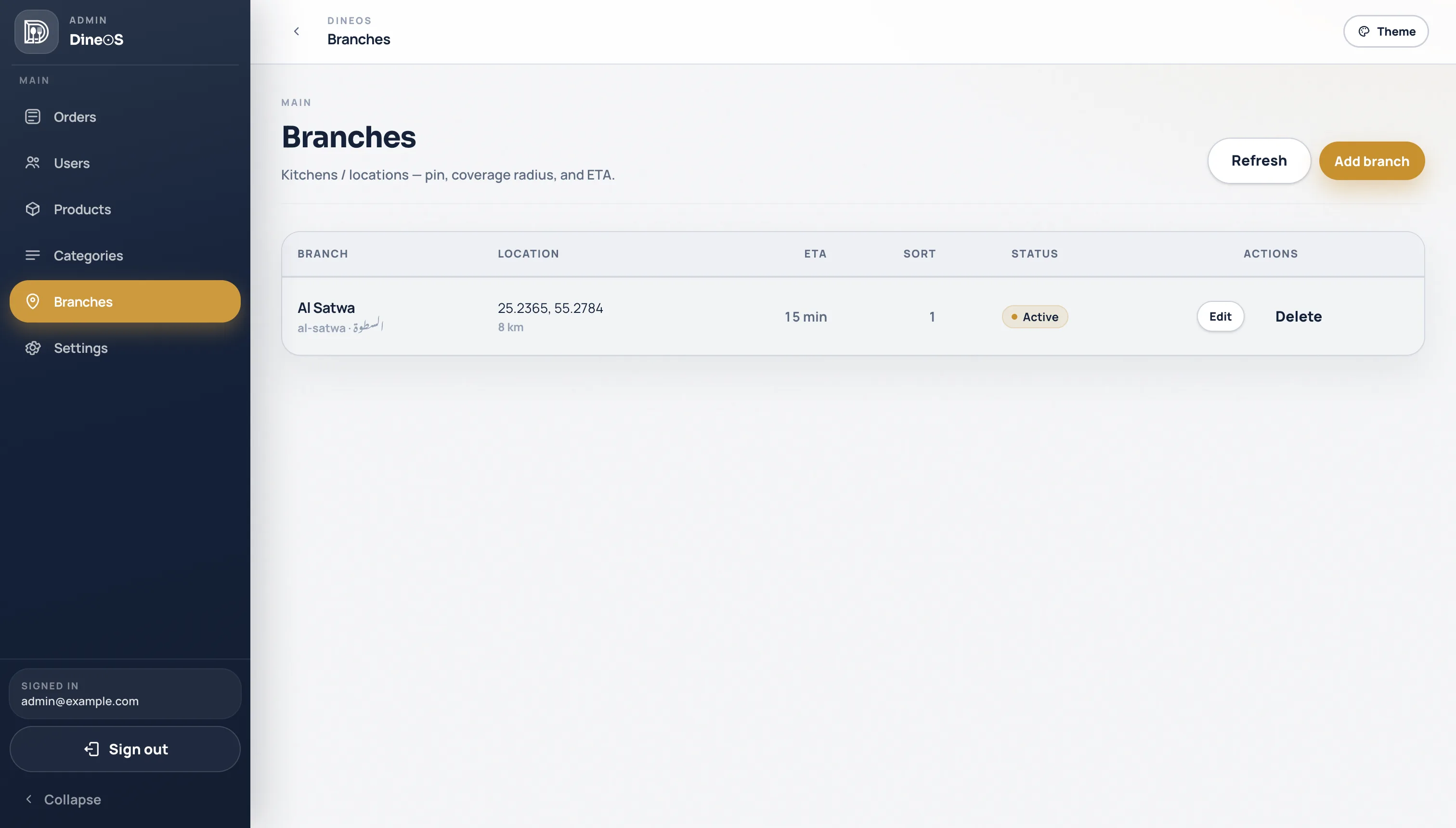
Live kitchen: confirm, cook, complete — with instant notificationsCard vs cash, paid vs awaiting, revenue for the dayProducts, categories, and photos (Firebase Storage)Branches with map pin, coverage radius, and ETA
Admin orders dashboard with live kitchen, payments, and branch
Admin branches with map coordinates, coverage radius, and ETA
Branches — pin, coverage radius, ETA
Admin products table with photos, categories, and prices
Products — photos, prices, availability
The platform

What actually ships with DineOS

Firebase is the sign-in and media layer. The product around it is payments, maps, live ops, and a full admin.

🔐

Firebase auth & storage

Customers sign in or create an account with Google, Apple, or email. Menu photos upload to Firebase Storage — sessions and media handled for you.

Realtime notifications

New orders and status changes stream to the kitchen dashboard as they happen — no refresh, no missed tickets.

💳

Stripe payments

Card checkout with PaymentIntents, or cash on delivery or at pickup. Paid, unpaid, and failed states stay on the order.

🗺️

Google Maps

Pin a location, search Places, reverse-geocode an address. Native map on phone, Maps JS on web and admin.

📍

Multi-branch locations

Each kitchen has a pin, coverage radius, and ETA. Customers choose delivery to a pin, or skip the line and pick up — orders route to the right branch.

🖥️

Full admin dashboard

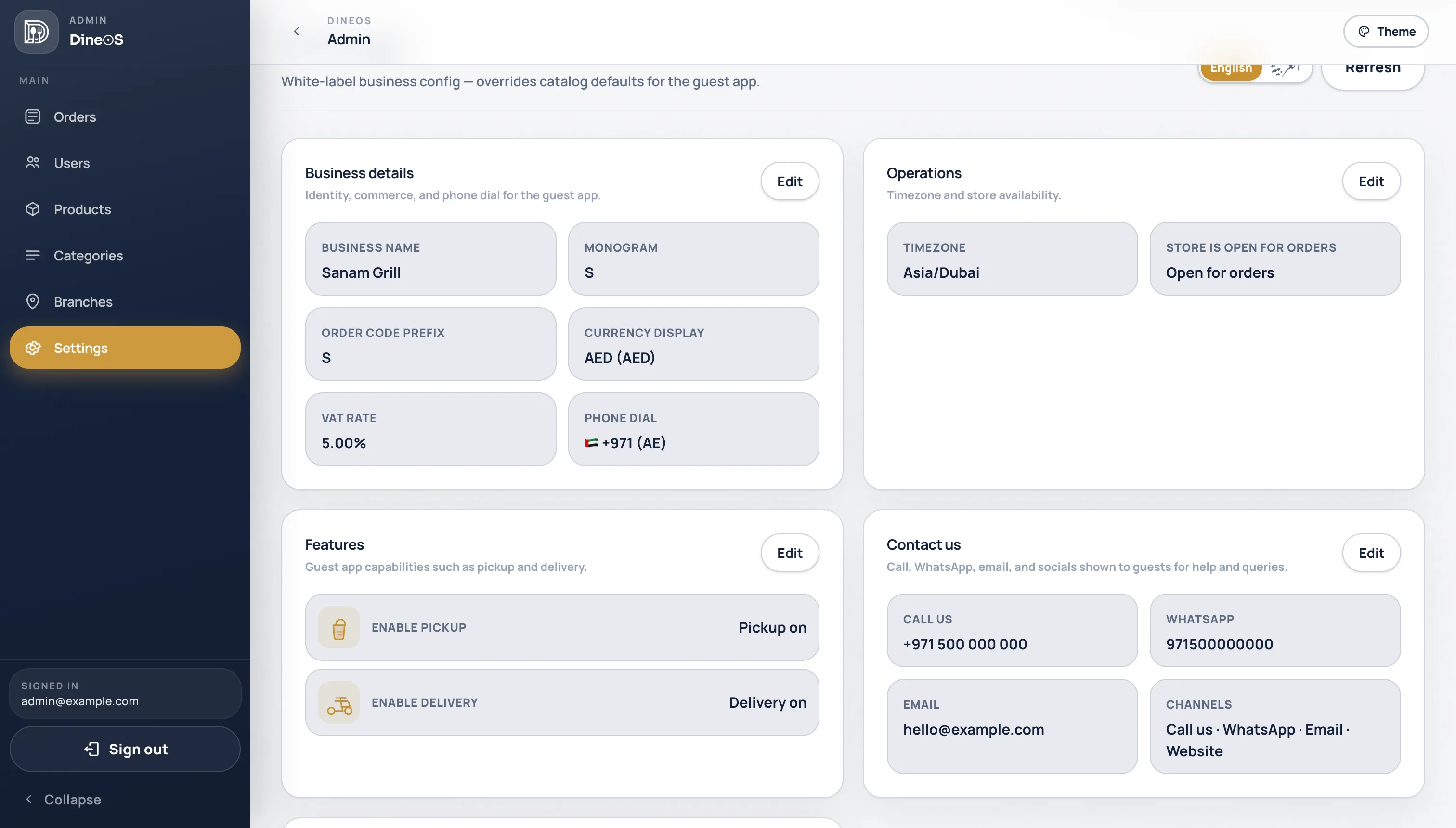
Orders, products, categories, branches, and white-label settings — staff-only, not a Firebase console.

FAQ

What DineOS actually includes

Do customers need an account?

They can sign in or create an account with email, Google, or Apple — or continue as guest. Saved addresses and order history live on the account.

Can customers pay in the app?

Yes. Card checkout runs on Stripe. Cash is available on delivery or at pickup, so you can take orders even without a card on file.

Can they order for delivery or pickup?

Yes. Guests choose delivery to an address on the map, or skip the line and pick up at the branch. Both land in the same kitchen queue, with the fulfillment type on the ticket.

Does it support multiple locations?

Yes. Each branch has a map pin, coverage radius, and ETA. Customers search or pin an address; orders land on the right kitchen.

What does the admin dashboard cover?

Live order queue with payment status, products and categories with photos, branches on the map, and white-label settings (currency, VAT, hours). Staff get notified when a new order lands.

Ready to see DineOS for your venue?

A guided demo of the customer app — delivery, pickup, login, payments, maps, and admin — on your menu and brand.